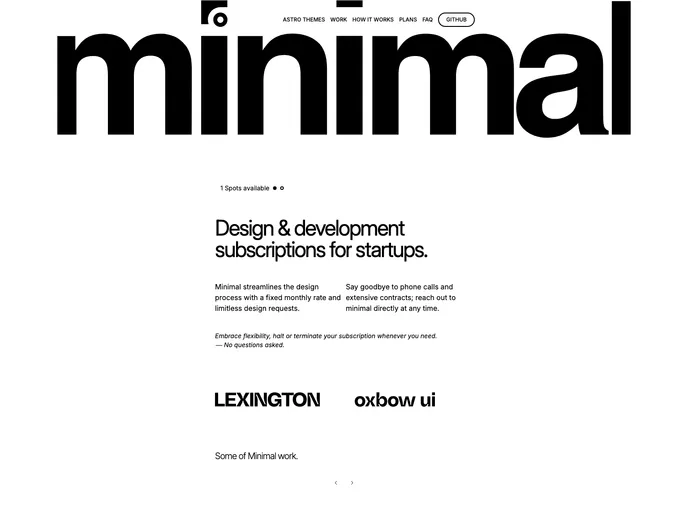
An open source website template built with Astro and Tailwind CSS for productised studios.
The Astro & Tailwind CSS Starter Kit, provided by Lexington Themes, is an open-source software licensed under the GPL-3.0 license. It allows users to create projects with Astro and Tailwind CSS integration. The template comes with a clear folder structure and commands for easy setup and development.
To install the Astro & Tailwind CSS Starter Kit, follow these steps:
git clone <repository-url>
cd <project-folder>
npm install
npm run dev
npm run build
npm run preview
For more advanced commands and information, refer to the Lexignton’s documentation.
The Astro & Tailwind CSS Starter Kit by Lexington Themes provides a convenient way to kickstart projects with Astro integration and Tailwind CSS styling. With a well-organized folder structure, easy commands, and support for static assets, developers can quickly set up and start working on their projects.