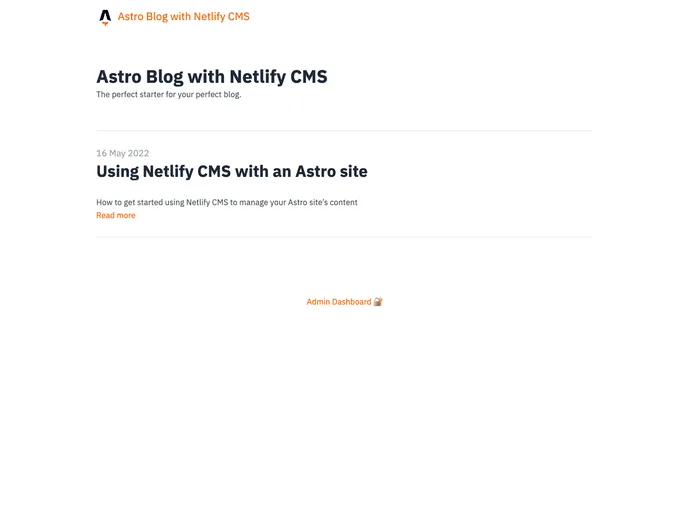
Blog Starter Template for Astro & Netlify CMS
Astro + Netlify CMS is an integration of the Astro blog starter kit with the Netlify CMS platform. This combination allows for easy deployment and continuous development with Netlify. Users can simply deploy the project to their own GitHub or GitLab account and set up continuous deployment with Netlify. Once set up, users need to activate Netlify Identity in the Netlify UI and enable “Git Gateway” for e-mail/password authentication.
To install the Astro + Netlify CMS theme, follow these steps:
pnpm install to install the dependencies.pnpm run dev../dist/ directory, run the command pnpm run build../dist/ directory and run the Netlify CMS proxy server, run the command pnpm run preview.Note: If you prefer to use npm or yarn instead of pnpm, update the config in netlify.toml accordingly.
Astro + Netlify CMS is a powerful integration that allows for easy deployment and continuous development with Netlify. By combining the Astro blog starter kit with the Netlify CMS platform, users can quickly deploy their project to their own GitHub or GitLab account and set up continuous deployment with Netlify. With Netlify Identity and “Git Gateway” enabled, users can easily manage authentication for their project. The command line interface provided allows for seamless development and production build processes. Overall, Astro + Netlify CMS offers a convenient and efficient solution for building and deploying websites.