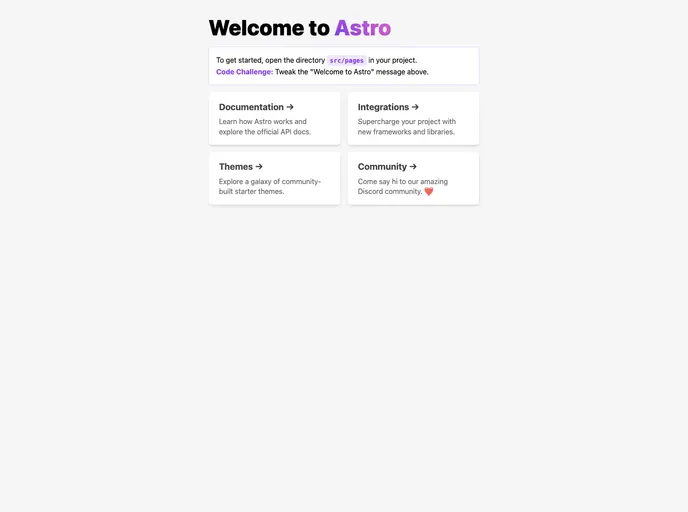
An opinionated Astro starter template
This product analysis is about a starter template for the Astro project. The template includes features such as Astro v2 with disabled Astro Telemetry, Astro Compress to compress output HTML, CSS, JS, and images, Astro PurgeCSS to remove unused CSS from build output, automation of releasing new versions using GitHub Actions and following the git-flow branching model, automation of Netlify deployment with support for GitHub deploy environment, automation of rebasing PR branch via PR comment, and various development features like PNPM, Conventional commit, ESLint, Prettier, Renovate, Vitest, changie, git-chglog, and taskfile. The installation process involves setting up a GitHub repository, creating a Netlify site, and adding necessary repository secrets. The project structure includes folders and files for organizing Astro project files.
To install the Astro starter template and set up a new project, follow these steps:
Project Structure: Inside your Astro project, you will find the following folders and files:
.astro or .md files in the src/pages/ directory are treated as routes based on their file names.src/components/ directory.public/, src/styles/, and src/layouts/ can be used for organizing project files.The Astro starter template provides a convenient setup for the Astro project with several useful features like automation, compression, and code analysis tools. It also includes a guide for installation and organizes project files in a structured manner.